
Proliner site information: make photographs explain the drawing
Prodim’s stone solutions connect digital measurement with the wider preparation of a fabrication job.
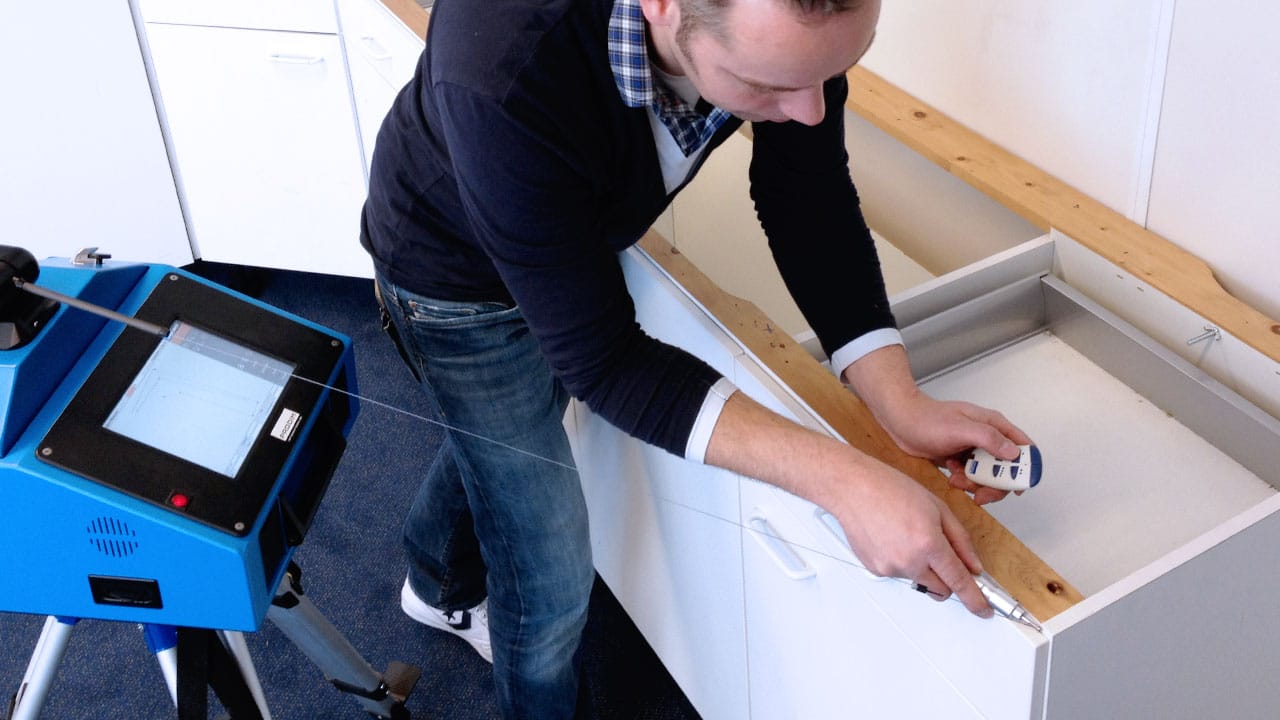
Prodim’s stone solutions connect digital measurement with the wider preparation of a fabrication job.
Prodim’s stone solutions connect digital measurement with the wider preparation of a fabrication job. For the receiving employee, a drawing and its site context should tell one understandable story.
Photograph a question, not just a room
An overview can help orient the programmer, but it may not explain the detail that changes the job. Link each important photograph to a specific observation: the location of an appliance, an unfinished area or a decision awaiting confirmation.
Use a consistent job identifier and naming convention. If the picture refers to a location on the drawing, make that reference explicit in the notes. Do not expect someone who was never at the site to reconstruct the visit from a camera roll.
Preserve observation and decision separately
A photograph can document what was visible. It does not automatically establish an approved design or permission to proceed. Keep customer selections and internal release decisions identifiable beside the site record.
During a Proliner workflow demonstration, ask how the proposed tools keep this context attached to the correct file and what happens when the job is revised. The questions apply whether the shop uses Prodim Factory or another documented receiving workflow. We are not asserting a particular file-transfer capability here; the point is to make the next employee’s interpretation part of the acceptance test rather than an afterthought.
Original editorial analysis of the linked public sources. No firsthand interview, event attendance or independent product test is claimed. Historical source dates describe the source; the publication date above records this article.
Editorial approach & corrections →